Modly — Mod Manager for Windows Games
A downloadable tool for Windows
Modly
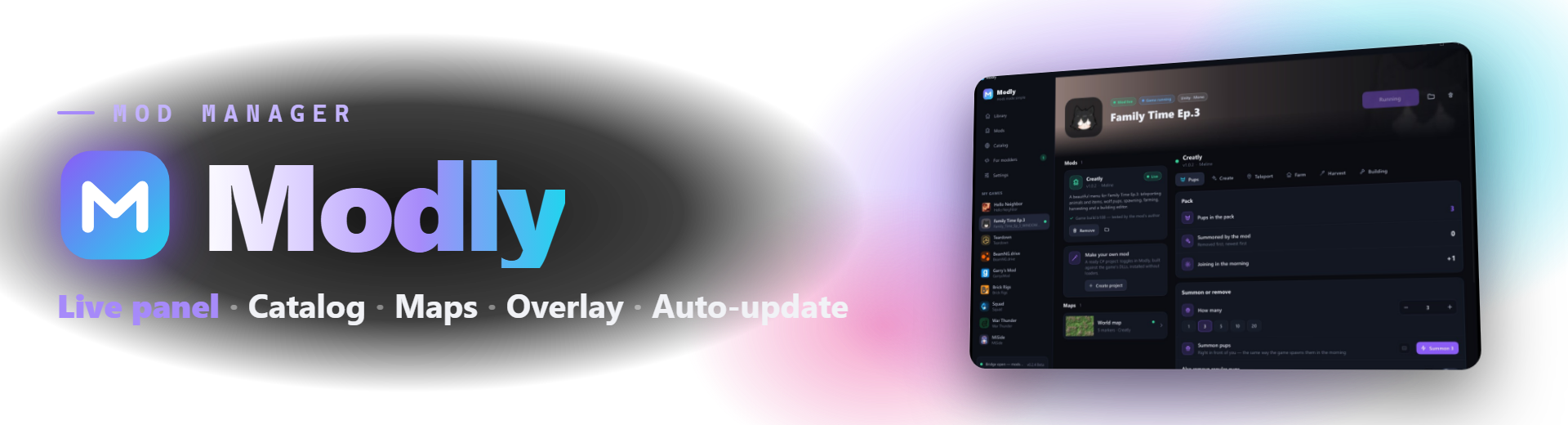
A free mod manager for Windows games. Modly finds your games, installs mods in one click and keeps them updated. While a game runs, the mod's toggles, sliders and buttons appear right in Modly, on top of the game or on your phone.
Features
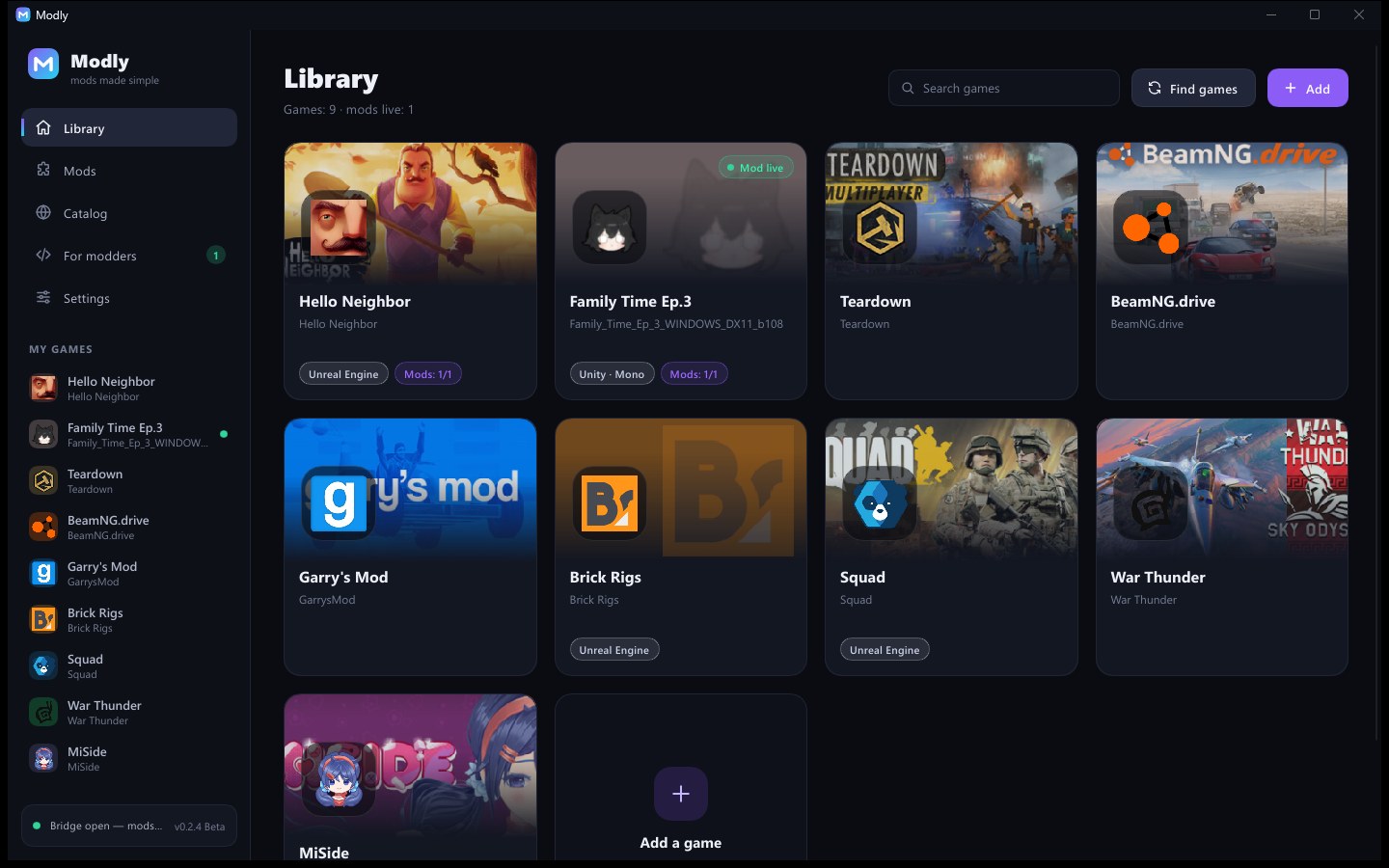
- Library — finds your games by itself: Steam libraries and any Unity, Unreal, Godot, GameMaker or Ren'Py game in your folders, with icons and covers
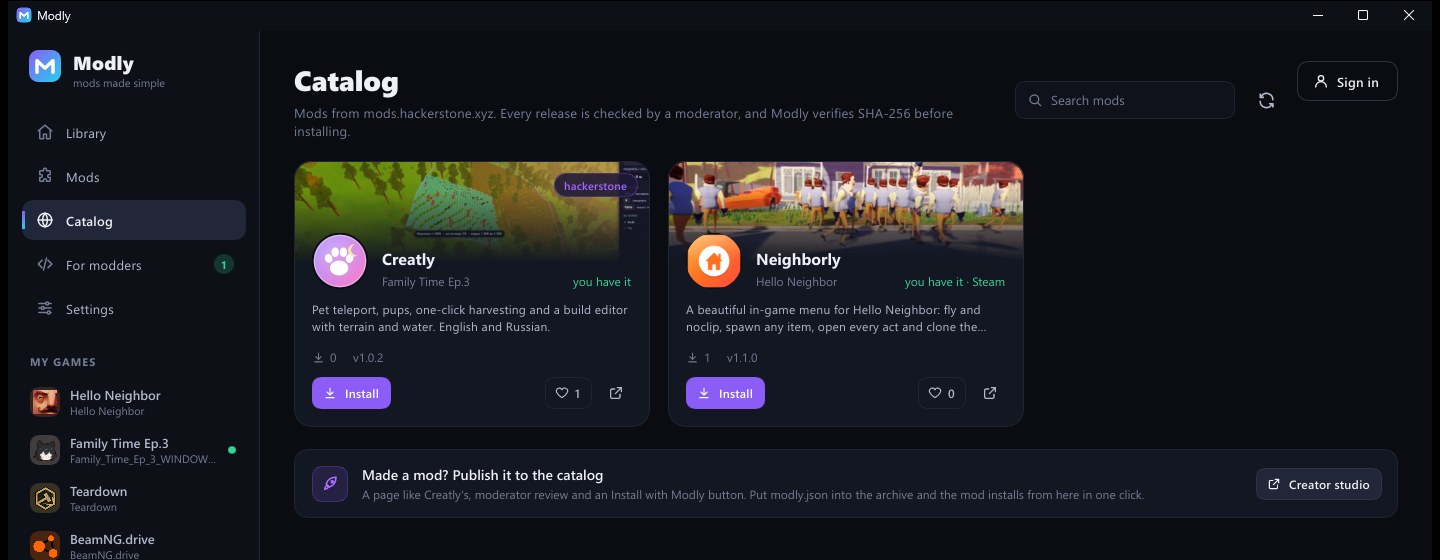
- Catalog — mods from mods.hackerstone.xyz, installed and updated in one click. Every release is checked by a moderator, and Modly verifies its SHA-256 before installing. Mods for the games you have come first
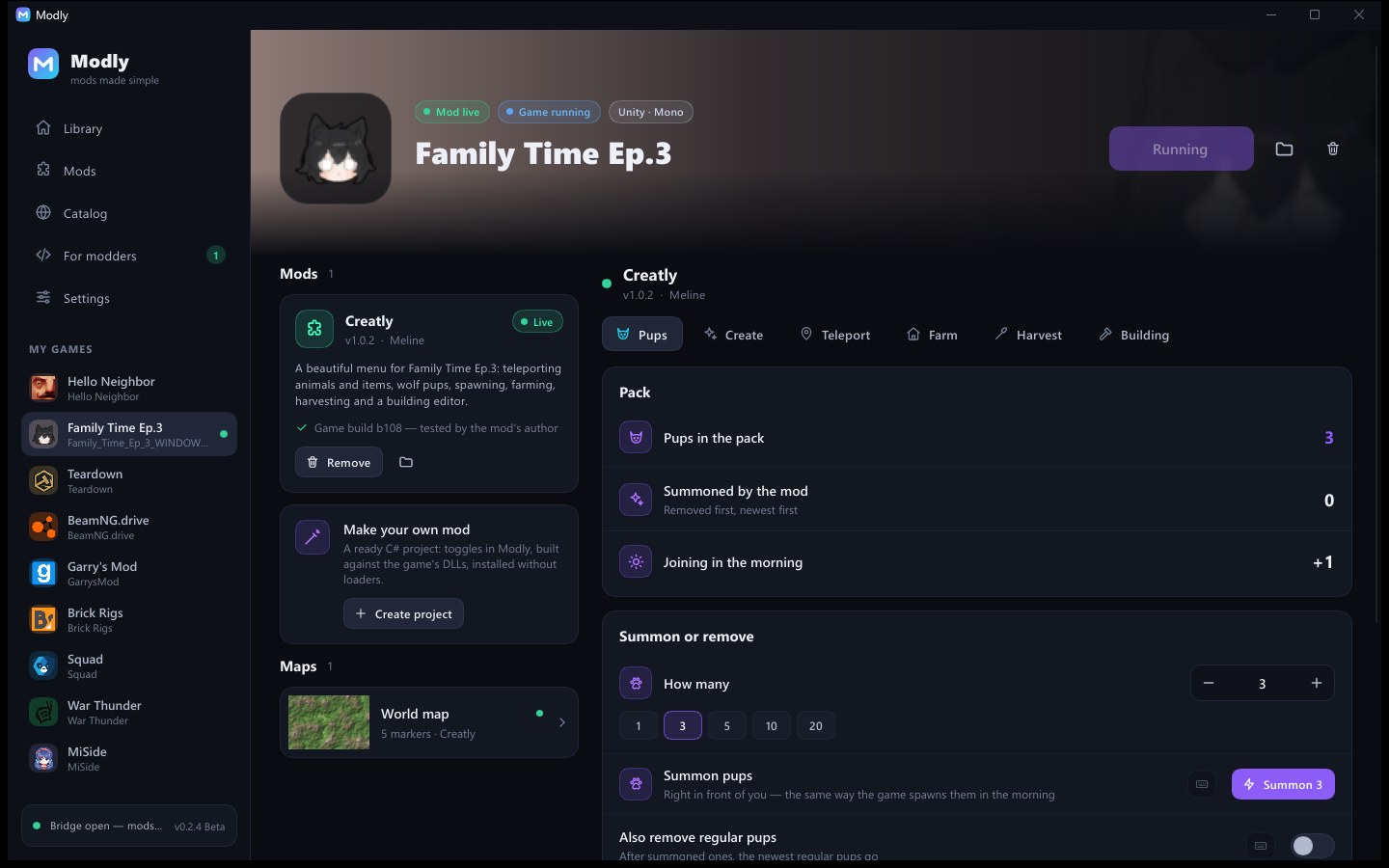
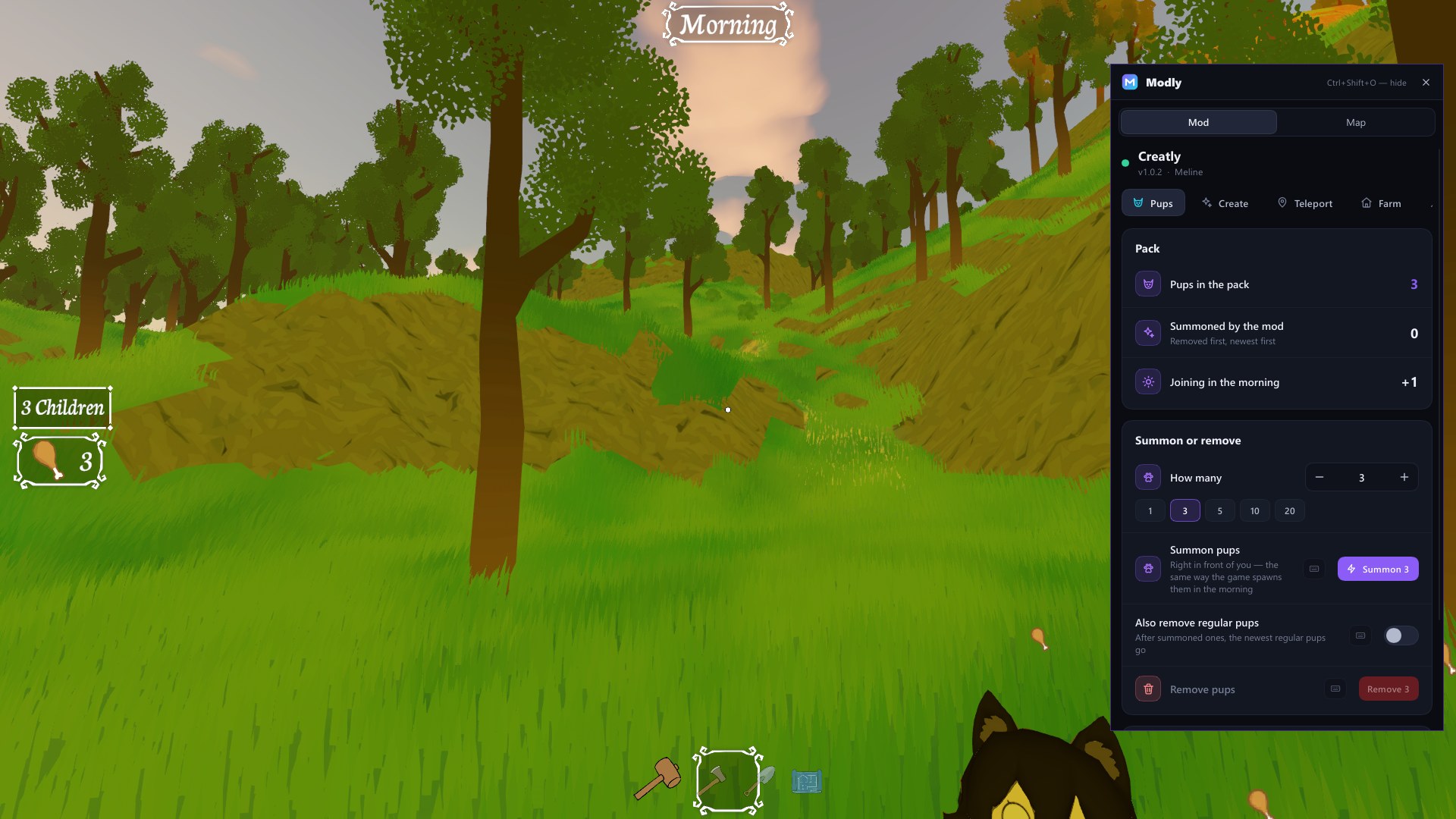
- Live panel — while a mod runs, its toggles, sliders, buttons and stats appear in Modly. Give any of them a hotkey
- In-game overlay — the same panel on top of the game (Ctrl+Shift+O); the game keeps its focus
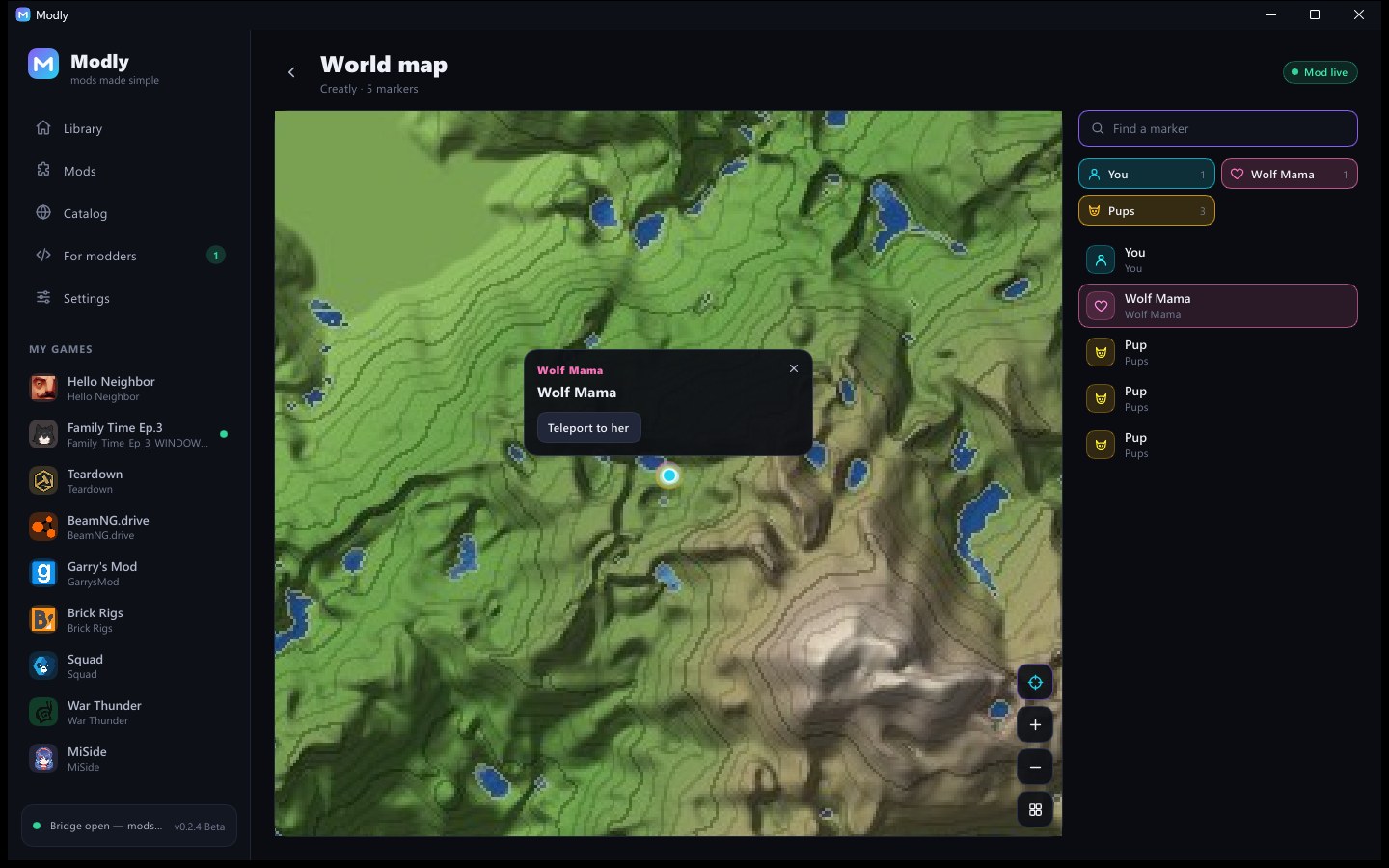
- Maps — mods can show a live map with markers: find your pups and teleport in one click
- Phone remote — control mods from your phone over your home Wi-Fi (scan a QR code in Settings)
- For modders — an open protocol and SDKs for C#, C++ and Rust, ready project templates for Unity (Mono) and C++ games, and a catalog to publish your mod
- Updates itself — Modly checks GitHub, verifies the release signature (Ed25519) and SHA-256; if a new version doesn't start, the previous one comes back
- Light — one 20 MB app, about 30 MB of memory, nearly zero CPU when idle
English and Russian. Mods keep working without Modly; it simply connects when it's open.
Mods that work with Modly
- Creatly — a build editor and mod menu for Family Time
- Neighborly — a mod menu for Hello Neighbor
- any mod made with the Modly SDK
Installation
Download ModlySetup and run it. It installs Modly for your Windows user without admin rights, and nothing else is needed. Uninstall it from Windows Settings → Apps. There's also a portable ZIP: unpack it and run modly.exe.
Windows may say "Windows protected your PC" because the app is new and not code-signed. Press More info → Run anyway. Modly is open source, so you can check the code or build it yourself.
Beta
Modly is in beta, so things may change and bugs may show up. Report them in GitHub issues, Telegram or Discord.
Links
- Source code (MIT): github.com/melineceo/Modly
- Mod catalog and docs: mods.hackerstone.xyz
- Website: hackerstone.xyz
- Telegram: t.me/hackerstonecorp · Discord: discord.gg/SNM4KemTv
Made by Meline / Hackerstone. Game names and screenshots belong to their owners.
На русском
Modly — бесплатный менеджер модов для игр на Windows. Сам находит игры, ставит и обновляет моды одной кнопкой. Пока игра запущена, переключатели, ползунки и кнопки мода появляются прямо в Modly, поверх игры или на телефоне.
- Библиотека: игры из Steam и любые игры на Unity, Unreal, Godot, GameMaker и Ren'Py в ваших папках.
- Каталог модов с mods.hackerstone.xyz: каждый выпуск проверен модератором, Modly сверяет SHA-256.
- Панель управления мода, горячие клавиши, оверлей в игре (Ctrl+Shift+O), карты с метками, пульт с телефона.
- Для мододелов: открытый протокол, SDK для C#, C++ и Rust, готовые проекты.
- Обновляется сам: подпись выпуска и SHA-256, откат, если новая версия не запустится.
Установка: скачайте ModlySetup и запустите — права администратора не нужны. Удаление — «Параметры Windows → Приложения». Если Windows напишет «Система Windows защитила ваш компьютер», нажмите «Подробнее → Выполнить в любом случае»: программа новая и без цифровой подписи. Код открыт.
Modly в бете: если найдёте ошибку — напишите в GitHub, Telegram или Discord.
Автор — Meline · GitHub · Каталог модов · Сайт
Download
Install instructions
Run ModlySetup and follow the installer: it installs Modly for your Windows user (no admin rights needed) and creates shortcuts. If Windows shows "Windows protected your PC", press More info → Run anyway. Modly updates itself after that. Uninstall it from Windows Settings → Apps.
Portable version: unpack the ZIP anywhere and run modly.exe.
Запустите ModlySetup и следуйте установщику — права администратора не нужны. Удаление — «Параметры Windows → Приложения». Портативная версия — распакуйте ZIP и запустите modly.exe.
Development log
- Modly 0.2.5 Beta: 18+ mods with an age check9 days ago
Leave a comment
Log in with itch.io to leave a comment.